Signal conversions
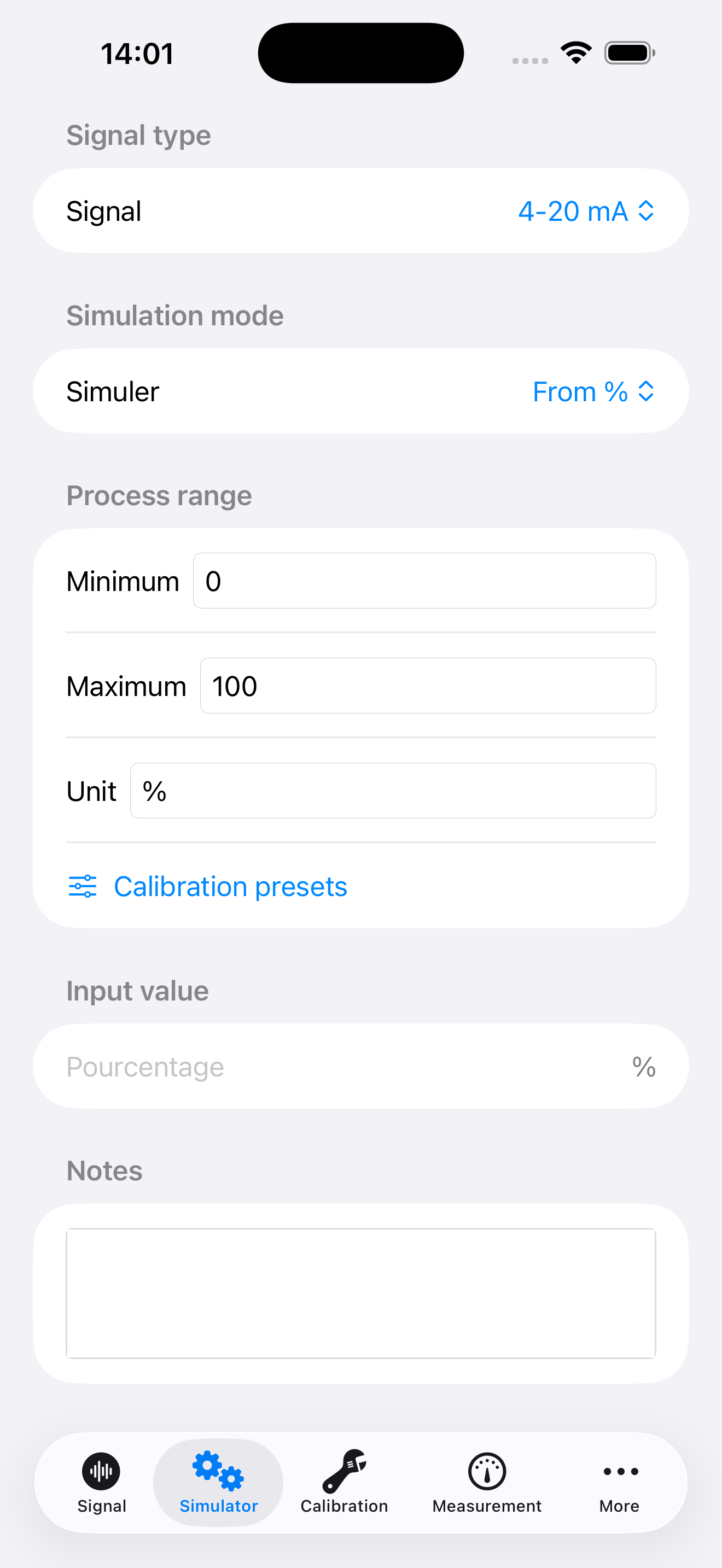
Move between an electrical signal, a process value and a percentage, using your configured range.

Mobile tools designed to help technicians, engineers and operators calculate, inspect, document and report.
Convert 4–20 mA, 0–20 mA, 0–10 V and other analogue signals into a percentage or process value, and back again. Prepare 3, 5 or 11 calibration points, copy the table or download it as a CSV file.
Includes custom ranges and square-root conversion for differential-pressure flow measurements. The tool is currently available in French and calculates reference values.
Your instrumentation toolkit for field work. Convert analogue signals, prepare calibration points and keep your results in project reports.
Awaiting Apple review
Planned pricing at launch
Free download · 7-day free trial for eligible new subscribers.
€2.99/month or €24.99/year
Both plans provide the same access to instrumentation, calibration and electrical calculation tools.
After the trial, your selected plan becomes paid and renews automatically unless cancelled. Manage or cancel your subscription in your Apple account settings. Your history and data export remain accessible after the subscription expires.
Prices shown for the French App Store; local pricing may vary. The applicable price and terms are displayed before subscribing. Availability is subject to Apple approval.
Move between an electrical signal, a process value and a percentage, using your configured range.
Prepare reference points, enter measured values and review the calculated deviations.
Access tools for pressure, level and flow calculations.
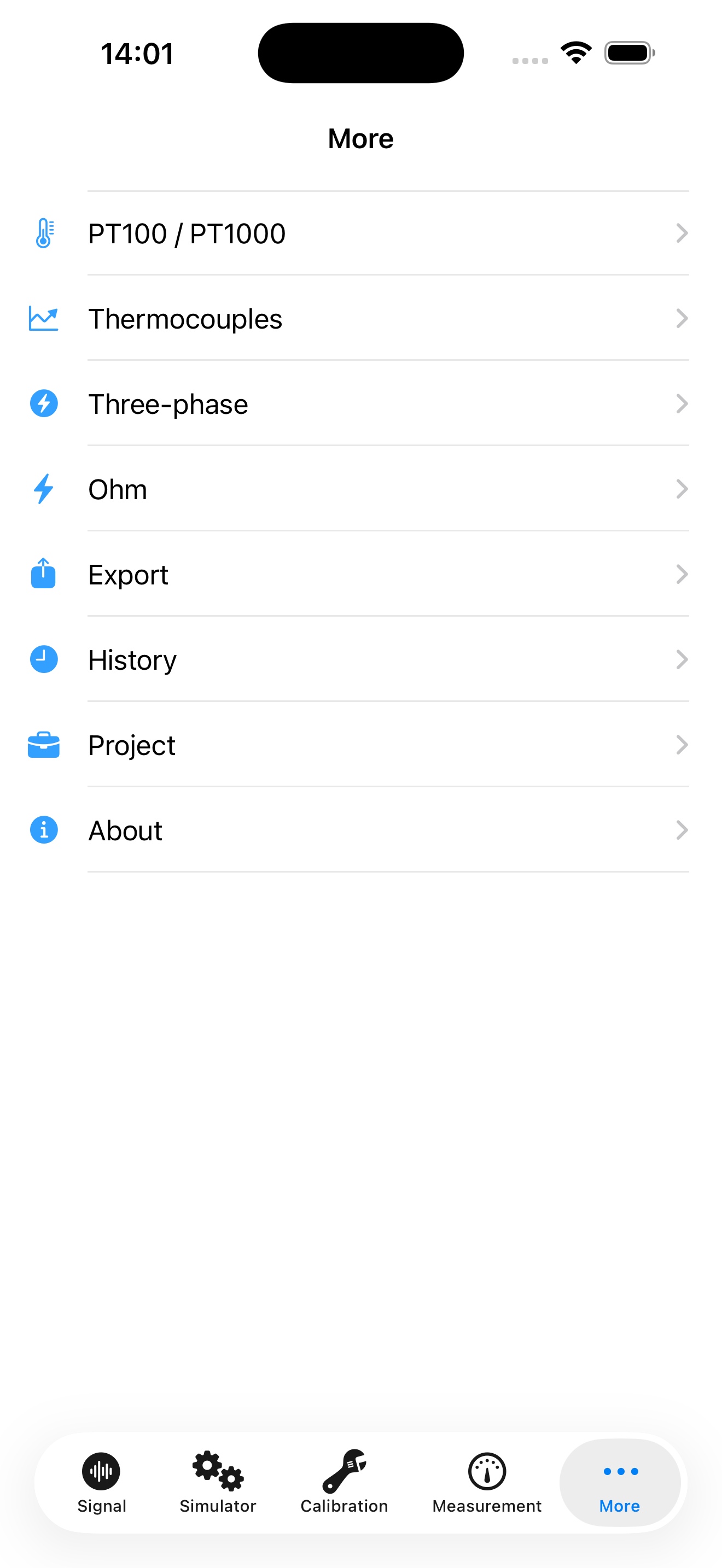
Work with PT100/PT1000 resistance and thermocouple conversions.
Find Ohm’s law and three-phase power tools in one place.
Keep project details and saved results together, then export your calibration reports as PDF.
A practical example: a 4–20 mA pressure transmitter
With a configured range of 0 to 10 bar, a 12 mA signal corresponds to 50% of the range, or 5 bar. Use the same approach to prepare your reference points before an intervention.
The simulator calculates reference values on screen. Electrical signals are measured or generated using your external instrumentation equipment.
Follow the French or English guide to explore the screens and prepare your first calculations.
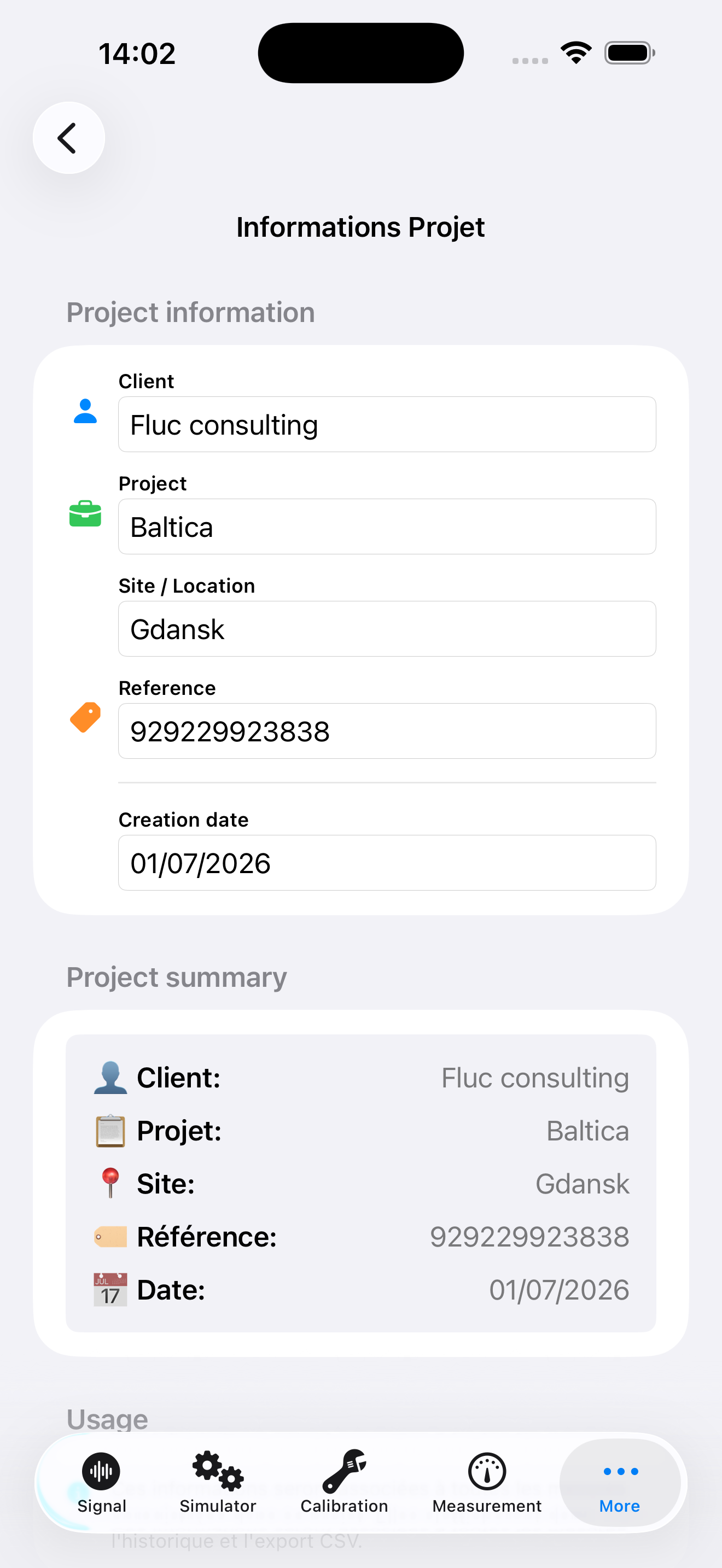
Generate a calibration certificate with instrument and project identification, expected and measured signals, calculated errors and a conclusion based on the recorded results. Export the PDF to save or share it.
Example of a certificate generated by FLUC Instrumentation.
View the certificate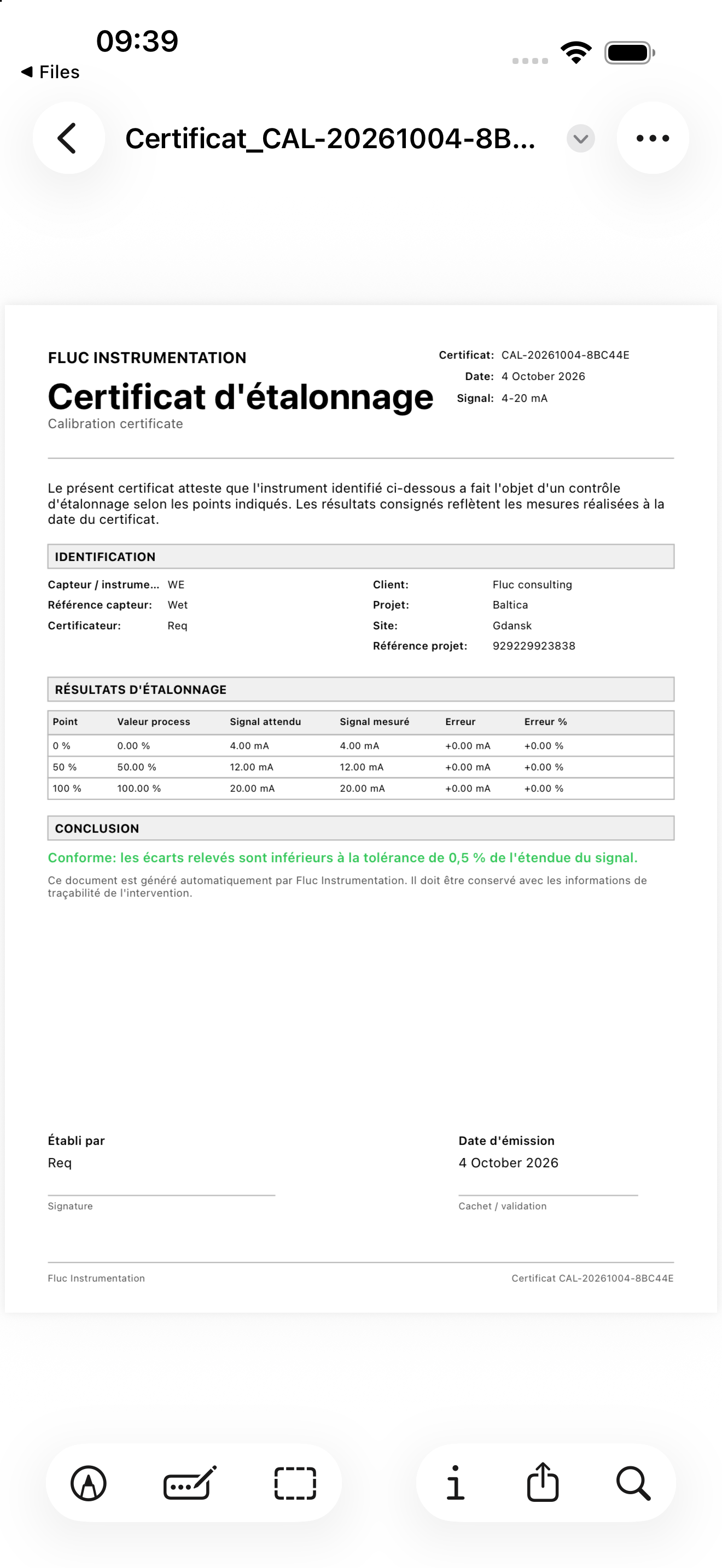
Available on the App Store · iPhone and iPad
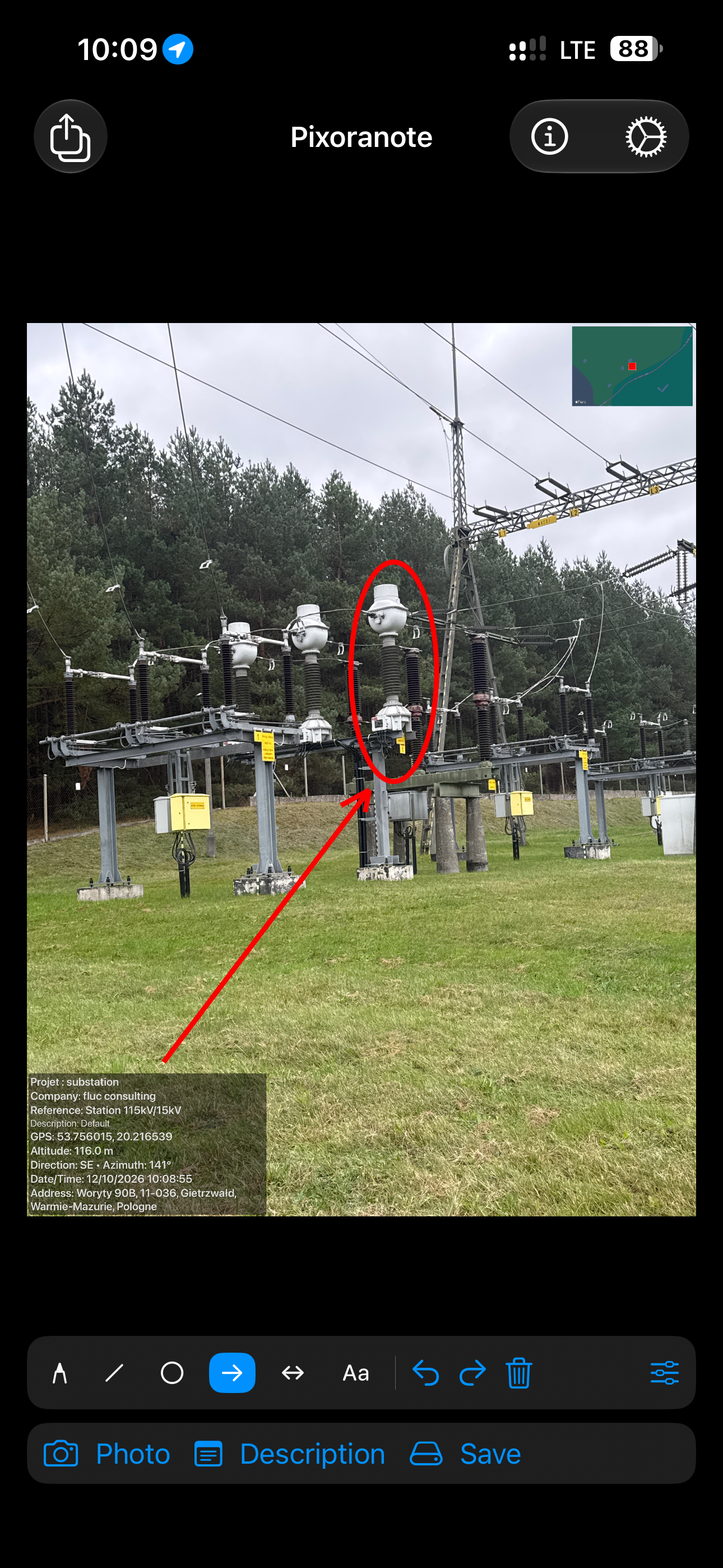
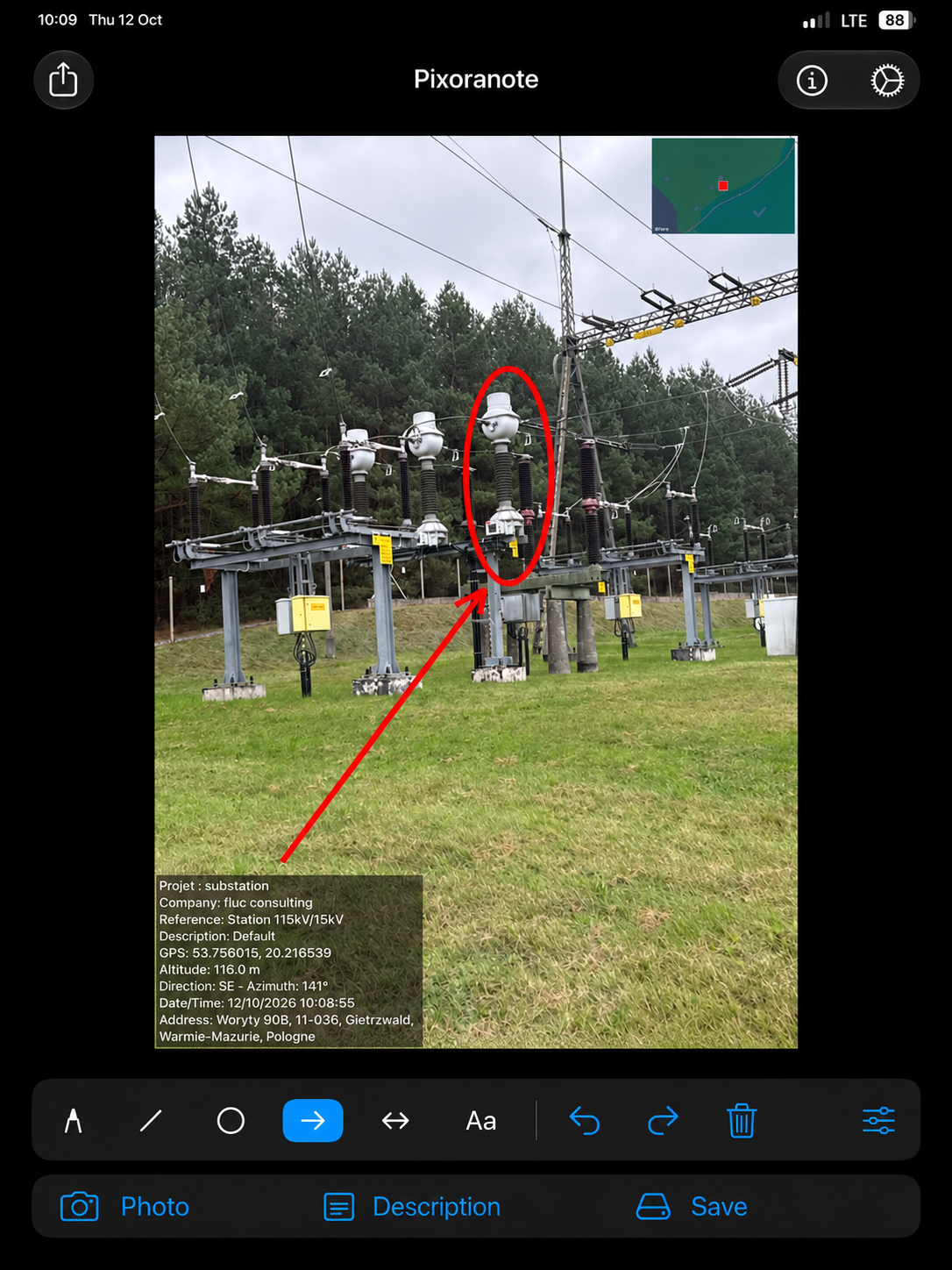
Turn your field photos into clear, illustrated reports. PixoraNote brings photo annotation, descriptions and document export together on iPhone and iPad.
Subscriptions
Free download · 7-day free trial for eligible subscribers.
€4.99/month or €39.99/year
All features require a subscription after the trial. The subscription renews automatically unless cancelled. Prices shown for the French App Store; local pricing may vary. See the purchase screen for the applicable terms.
The second page shows the annotated photo and details of the “substation” project. Click the preview to enlarge it or open the complete PDF report.
2 pages · 24.5 MB
View the complete report · PDF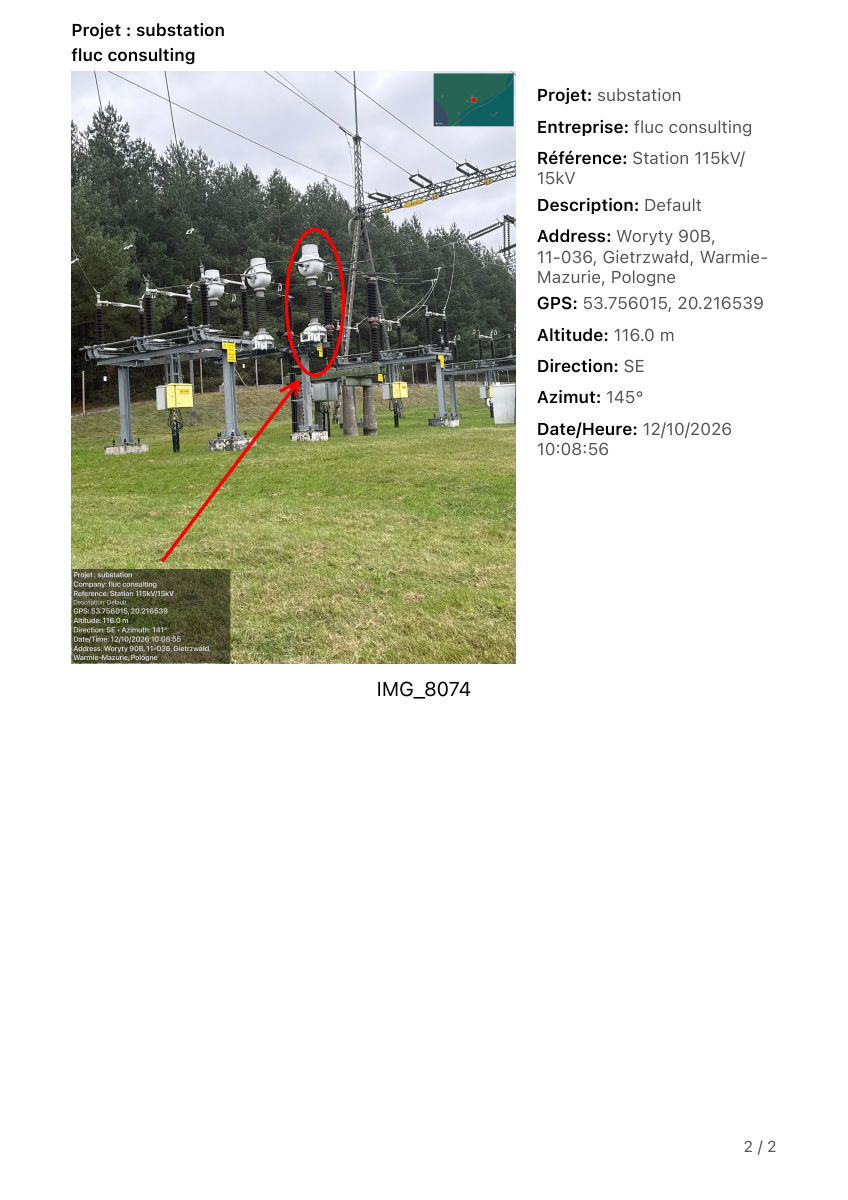

Free on the App Store · Version 2.0 available now
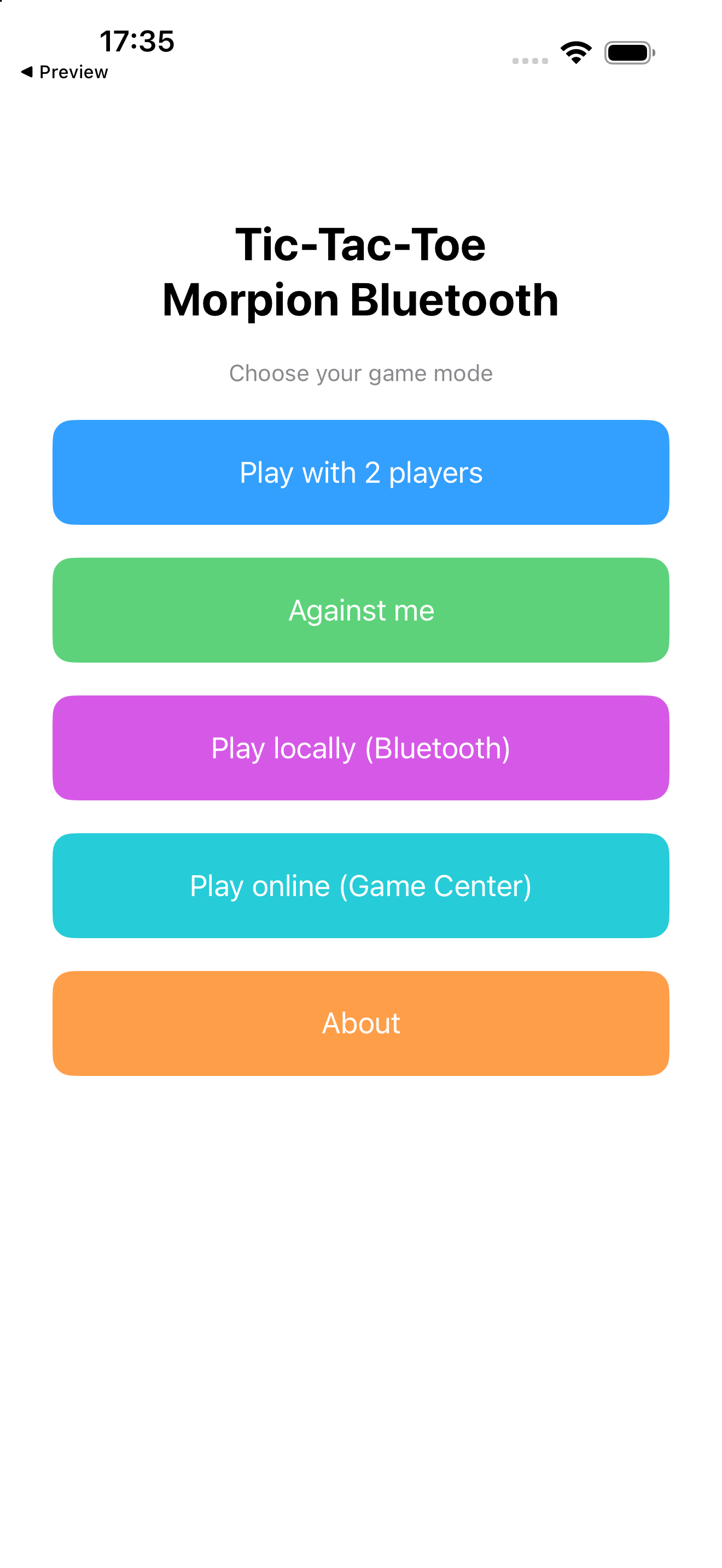
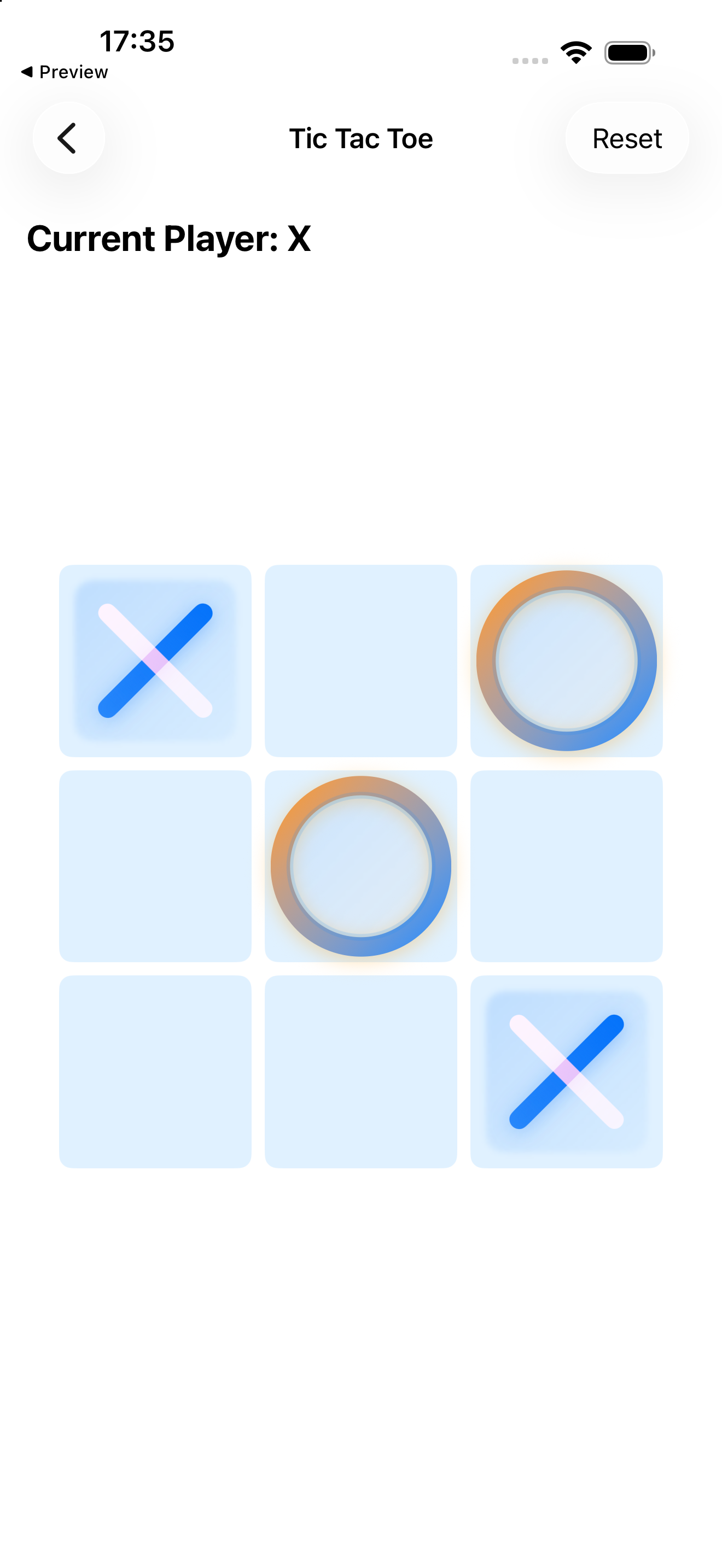
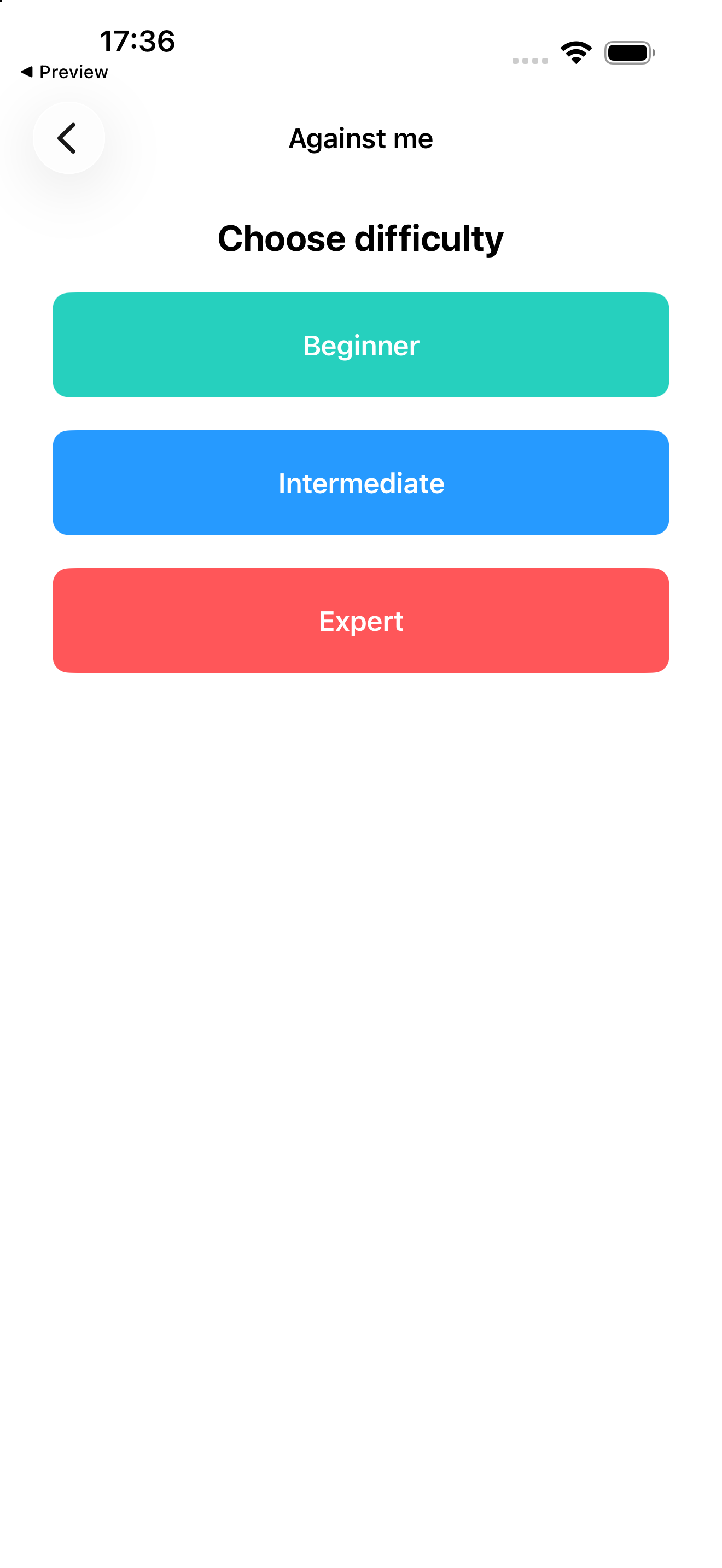
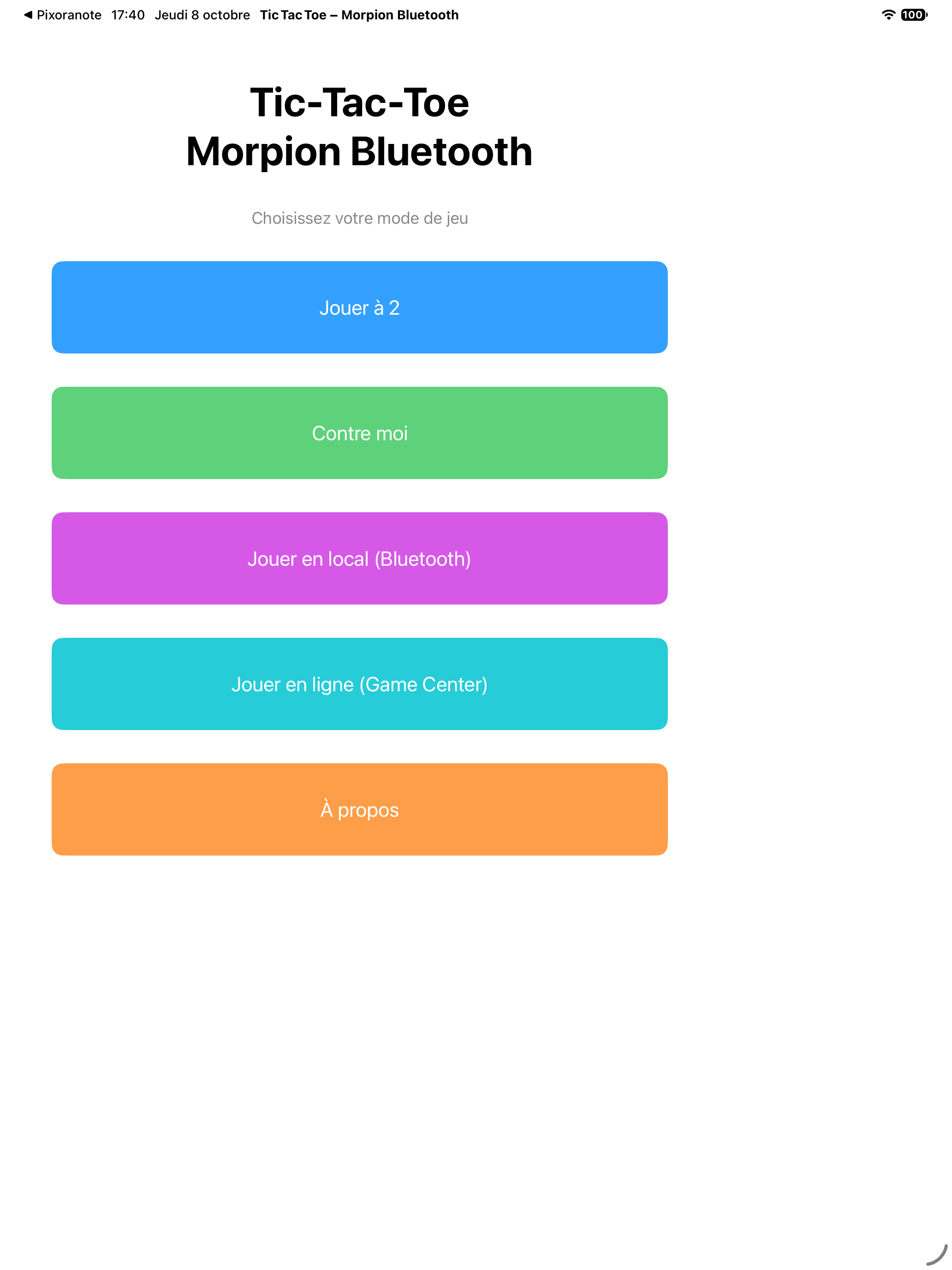
The classic Tic-Tac-Toe game: line up three symbols and enjoy a quick game against the computer or with a friend. Version 2.0 adds online turn-based play with Apple Game Center.
Version 2.0 is available on the App Store for iPhone and iPad. Online play requires an internet connection and a Game Center account.
Protection, automation or commissioning: tell us about your installation and project requirements.